On this page
- Part 1: Account and payment (checks 1–3)
- 1. Is your payment method working?
- 2. Have you hit a spending limit?
- 3. Are there any restrictions?
- Part 2: Tracking (checks 4–6)
- 4. Is your Pixel firing?
- 5. Is the Conversions API connected and deduplicated?
- 6. Are you optimising for the right event?
- Part 3: Structure and budget (checks 7–8)
- 7. Do you have too many ad sets?
- 8. Is your audience too narrow?
- Part 4: Creative and policy (checks 9–10)
- 9. Are your ads fatigued?
- 10. Are ads or landing pages flagged?
- Symptom → likely cause
- What not to do while troubleshooting
- Understanding the learning phase
- A quick budget sanity check
- A weekly maintenance routine
- FAQ
- How long should I wait before judging changes?
- Does a verified Business Manager help delivery?
- Should I appeal a restricted ad account?
- Still stuck?
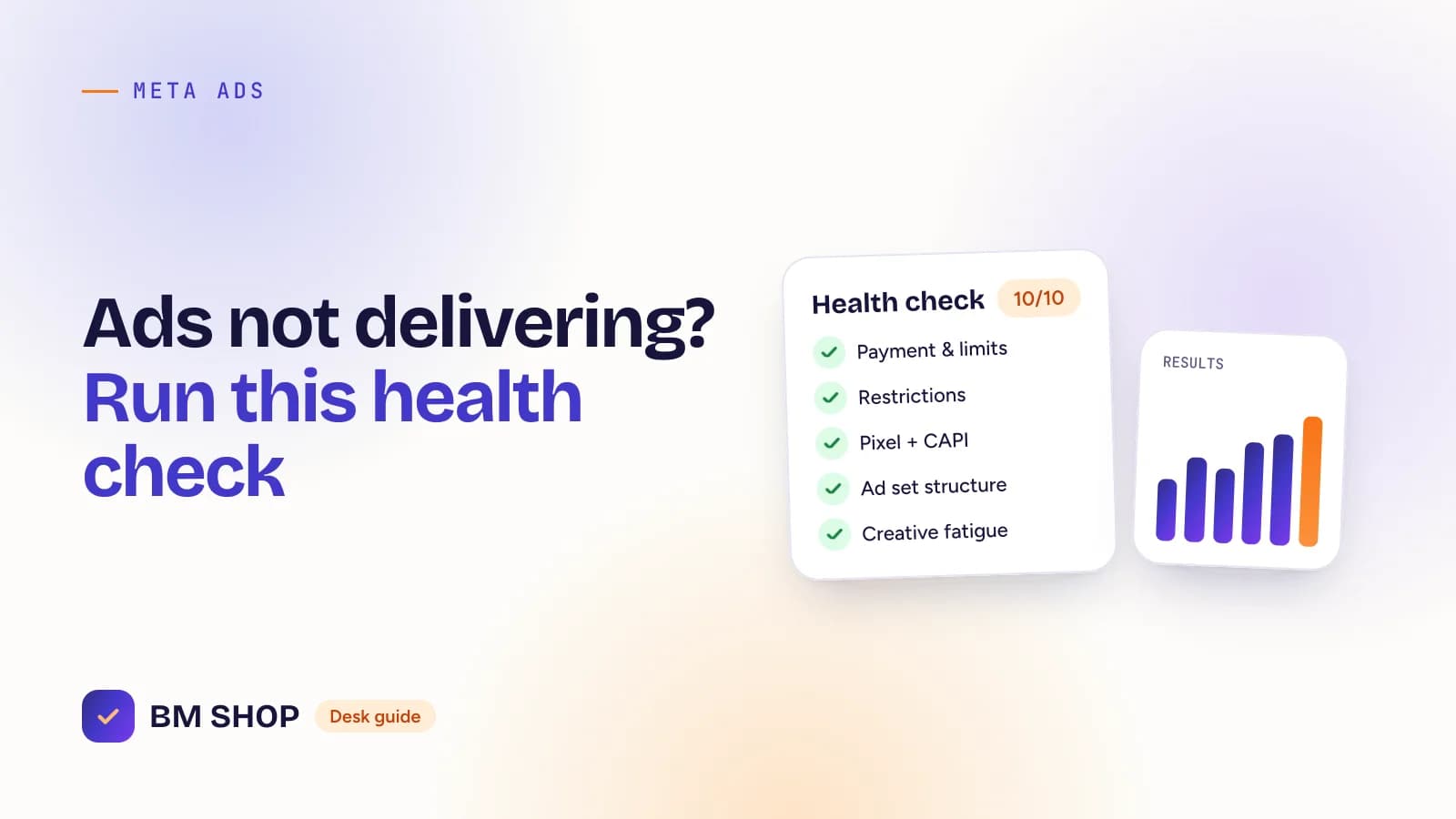
When Facebook or Instagram ads stop delivering, check the boring things first: payment and spending limits, account restrictions, whether your Pixel and Conversions API are firing, whether your budget is split across too many ad sets, how narrow your audience is, creative fatigue, and rejected ads or landing pages. Most delivery problems come from one of these ten issues, and raising the budget fixes none of them. Work through the checklist below in order before you rebuild anything.
TL;DR
- Start with account-level blockers: payment, spending limits and restrictions.
- Broken tracking makes campaigns look dead even when they're converting.
- Too many small ad sets keep everything stuck in the learning phase.
- Fix the cause, then give campaigns a few days before judging again.
Part 1: Account and payment (checks 1–3)
1. Is your payment method working?
A failed charge can pause delivery across the whole ad account. Check Billing for failed payments and update the card or payment method.
2. Have you hit a spending limit?
Look at the account spending limit and any campaign spending caps. It's a surprisingly common reason for ads that "just stopped".
3. Are there any restrictions?
Open Account Quality and look for flags on the ad account, the Page, or you as an admin. A restriction anywhere in the chain can stop delivery. If you think it's a mistake, request a review through Meta's official process.
Part 2: Tracking (checks 4–6)
4. Is your Pixel firing?
Events Manager should show recent activity for your key events. No recent purchases or leads? Either nothing is converting, or tracking is broken. Test a conversion yourself.
5. Is the Conversions API connected and deduplicated?
The Conversions API sends events from your server, catching conversions that ad blockers and privacy settings hide from the Pixel. Each event needs a matching event_id from browser and server so Meta doesn't count it twice. The Conversions API docs explain the setup.
6. Are you optimising for the right event?
Optimising for an event that rarely happens starves the algorithm of data. If purchases are rare, consider optimising for a higher-volume event earlier in the funnel until volume grows.
Part 3: Structure and budget (checks 7–8)
7. Do you have too many ad sets?
Splitting a small budget across lots of ad sets keeps every one of them stuck in the learning phase. Consolidate into fewer ad sets with enough budget each to learn.
8. Is your audience too narrow?
Stacked interests and tiny custom audiences limit delivery. Broader targeting, letting Meta's system find buyers, often performs better now.
Part 4: Creative and policy (checks 9–10)
9. Are your ads fatigued?
If frequency is climbing and cost per result is climbing with it, people have seen your ads too often. Rotate in new hooks, formats and angles every week or two.
10. Are ads or landing pages flagged?
Check for rejected ads, and make sure your landing page matches the ad's promise, works on mobile, and follows the Meta Advertising Standards. A rejected ad can't deliver; a flagged landing page can drag down a whole campaign.
Symptom → likely cause
| Symptom | Check first |
|---|---|
| Zero spend across the account | 1, 2, 3 |
| Spending, but no conversions reported | 4, 5 |
| Stuck in "learning limited" | 6, 7 |
| Low reach, high cost per thousand | 8, 9 |
| Some ads delivering, others not | 10 |
What not to do while troubleshooting
- Don't double the budget to "push" delivery. It rarely fixes the cause and can restart learning.
- Don't duplicate everything into new campaigns at once. You lose learning and history.
- Don't change five things on the same day. You won't know what worked.
From the desk: in most audits we run, the "dead" campaign had a tracking problem, not a targeting problem. Fix measurement first and the picture often changes completely.
Understanding the learning phase
Every time you launch an ad set or make a significant edit, Meta's system enters a learning phase while it figures out who to show your ads to. Performance is less stable during this time. Meta's own guidance is that an ad set needs around 50 optimisation events in a week to exit learning. If yours can't get there, you'll see "Learning limited".
Ways to help an ad set learn:
- Consolidate similar ad sets so each gets more budget and more events.
- Optimise for an event that happens often enough to reach that volume.
- Avoid frequent big edits; each one can restart learning.
- Give changes a few days before judging them.
A quick budget sanity check
A useful rule of thumb: an ad set's weekly budget should be able to afford enough results to learn from. If your typical cost per purchase is $30 and you want around 50 purchases a week, that ad set needs roughly $1,500 a week. If that's not realistic, run fewer ad sets, or optimise for a cheaper event higher in the funnel until volume grows.
| Cost per result | Results / week to learn | Approx. weekly budget per ad set |
|---|---|---|
| $5 | ~50 | ~$250 |
| $20 | ~50 | ~$1,000 |
| $50 | ~50 | ~$2,500 |
A weekly maintenance routine
- Monday: check Account Quality, billing and spending limits.
- Tuesday: check Events Manager: are key events firing from browser and server, and deduplicated?
- Wednesday: review frequency and cost trends; flag fatigued ads.
- Thursday: launch one or two new creative tests.
- Friday: move budget toward winners, pause clear losers, and write down what changed.
Fifteen minutes a day on this routine prevents most "my ads suddenly stopped" emergencies.
FAQ
How long should I wait before judging changes?
Give significant changes a few days, and longer for low-volume accounts, before deciding they didn't work.
Does a verified Business Manager help delivery?
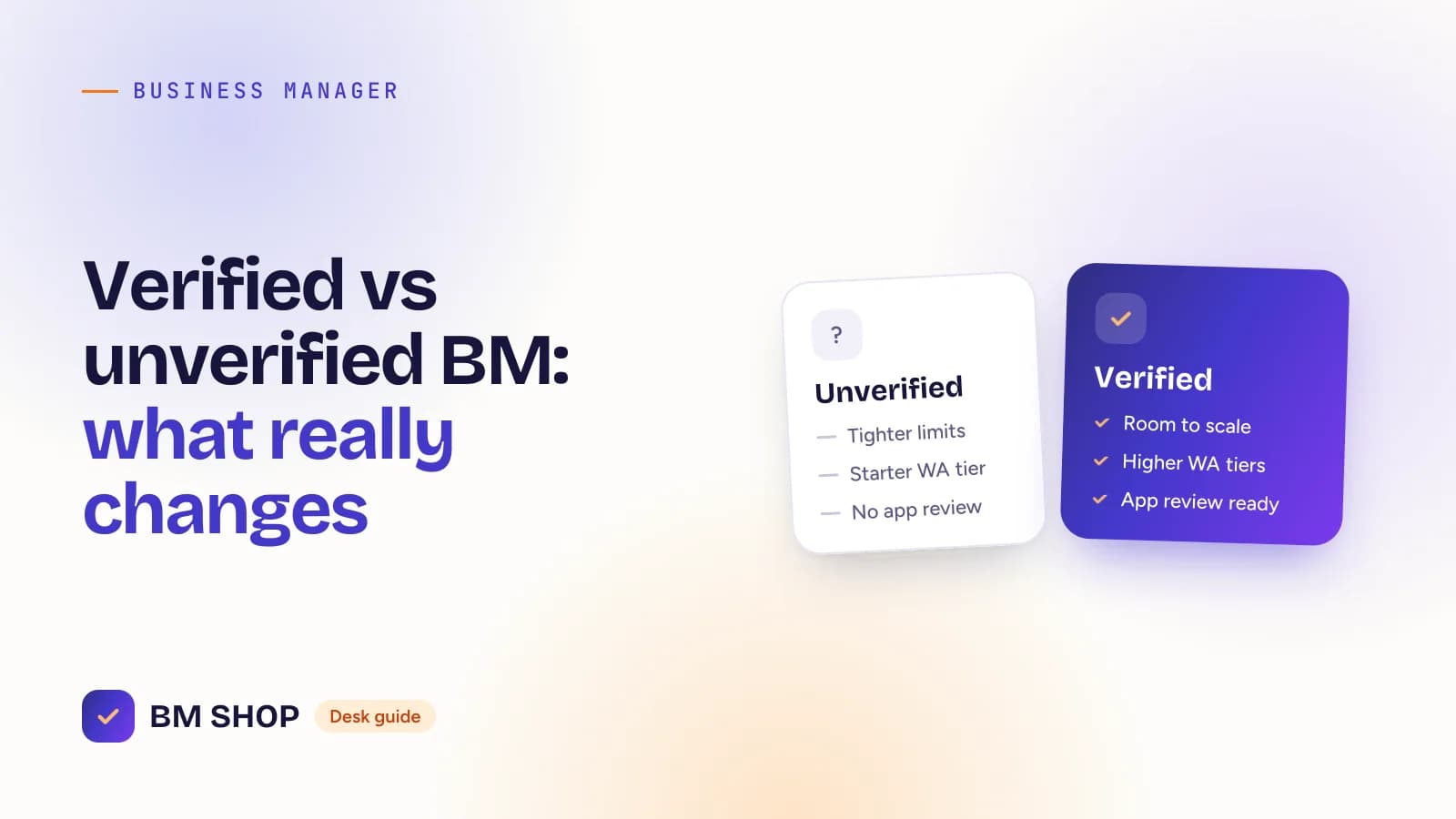
It helps with trust and limits rather than day-to-day delivery. See verified vs unverified BM.
Should I appeal a restricted ad account?
If you believe it's a mistake, yes, through Meta's official review process. Check the Meta Business Help Center for the current steps.
Still stuck?
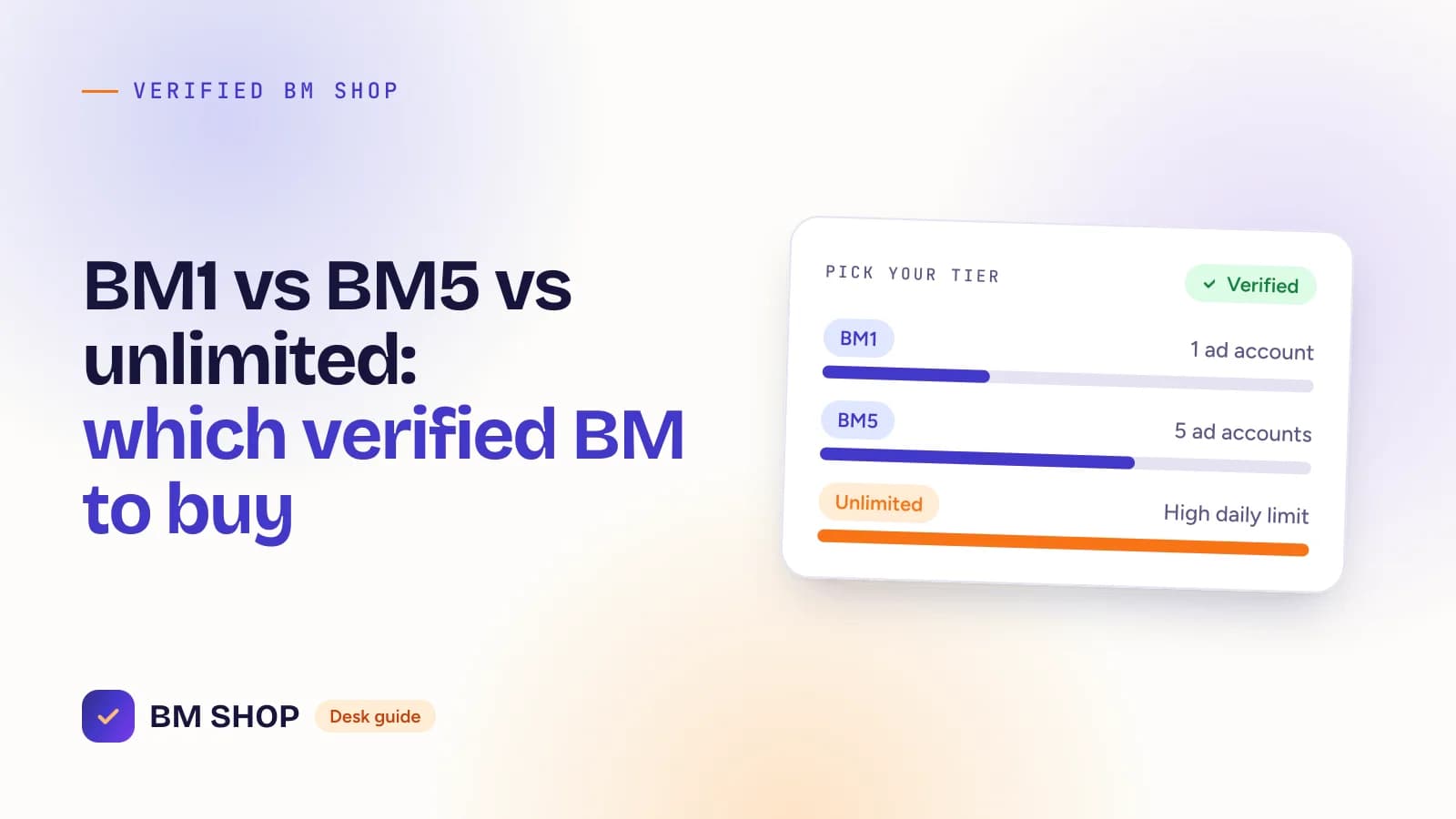
Our Meta ads service starts with a free three-day audit of exactly these areas, with a written report and a fix list, then we can run the campaigns for you. Need a clean, verified BM to run them from? Browse verified BMs or ask the desk.
Notes from the sourcing desk that checks and hands over every asset in the catalog, and sets up BM verifications, WhatsApp API numbers and ad accounts for clients every week.