On this page
- What "verified BM" means when you buy one
- BM1 vs BM5 vs unlimited at a glance
- How to choose the right tier
- Count the ad accounts you actually need
- Match the spend limit to your first month
- Think about redundancy
- What to check at hand-over
- Red flags when choosing a verified BM shop
- Your first 48 hours with a new verified BM
- Frequently asked questions
- Is BM5 always better than BM1?
- What does "unlimited" really mean?
- Can I verify my own BM instead of buying one?
- How fast is delivery?
If you are buying a verified BM, pick the tier by how many ad accounts you need and how fast you plan to scale spend: BM1 for one brand or a first test, BM5 for agencies and multi-brand advertisers running several ad accounts, and an unlimited or high-limit BM when daily budgets need to climb quickly. Then buy from a verified BM shop that shows you the verification status live, moves full ownership to you and puts its replacement terms in writing. This guide breaks down each tier, the checks to run at hand-over, and the red flags that separate a real shop from a reseller of screenshots.
TL;DR
- BM1, BM5 and unlimited are seller labels for ad account slots and spending room, not Meta product names.
- Choose by ad accounts needed and how fast budgets must grow, not by the biggest tier you can afford.
- Insist on seeing verification in Security Center live during hand-over.
- You should end up as the only full admin, with recovery email and two-factor authentication in your hands.
- A written swap guarantee with a stated cover window is the clearest sign of a shop that stands behind its stock.
What "verified BM" means when you buy one
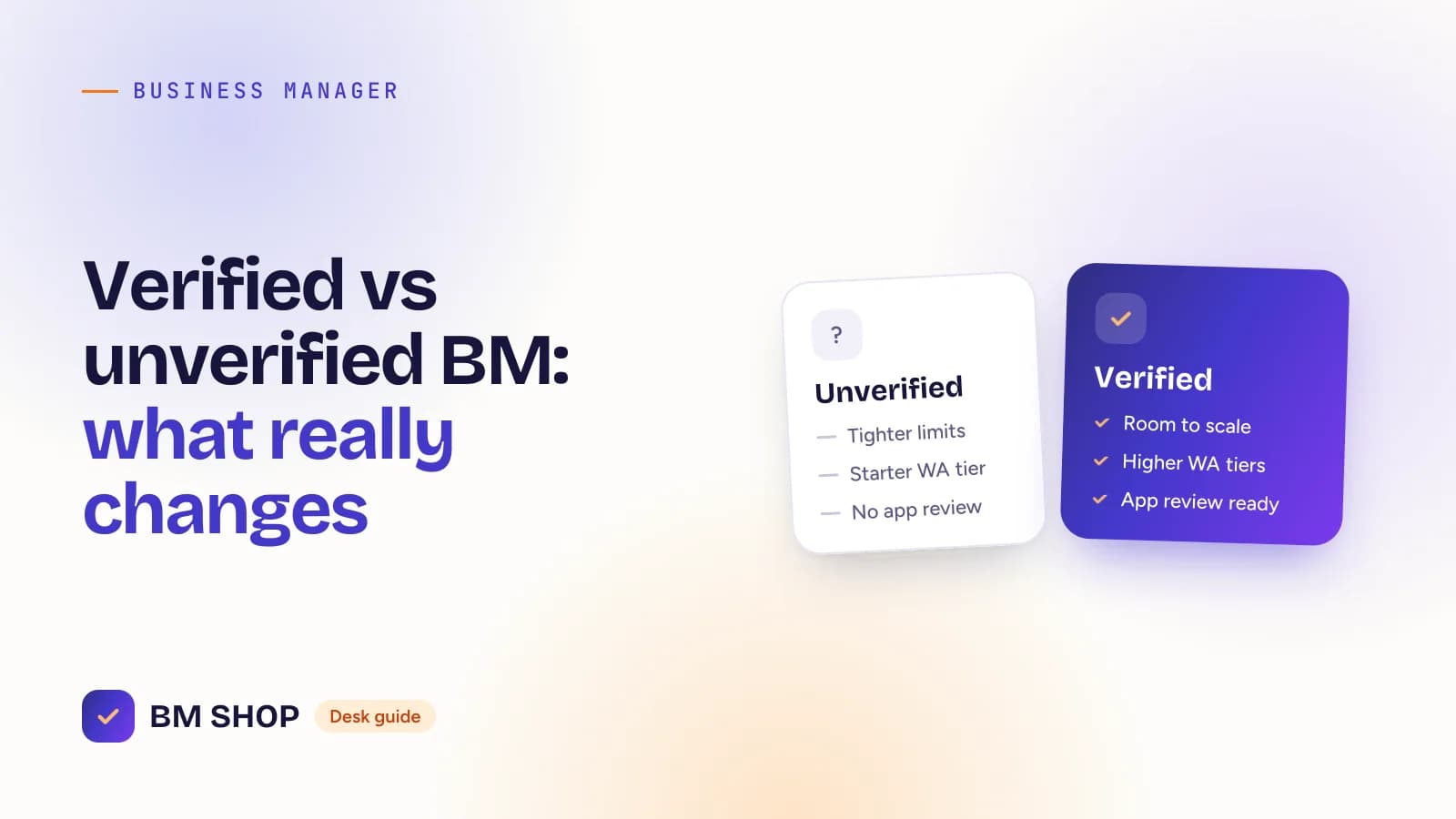
A verified BM is a Meta Business Manager (now a business portfolio in Meta Business Suite) that has already passed Meta's business verification. You skip the document review and the two-to-fourteen-day wait, and you start with an account Meta already trusts more than a brand-new one. If you want the full background first, our verified vs unverified Business Manager article explains what verification changes.
Verification is not a shield. A verified BM can still be restricted for policy breaches, so what you do in the first days matters as much as the tier you buy.
BM1 vs BM5 vs unlimited at a glance
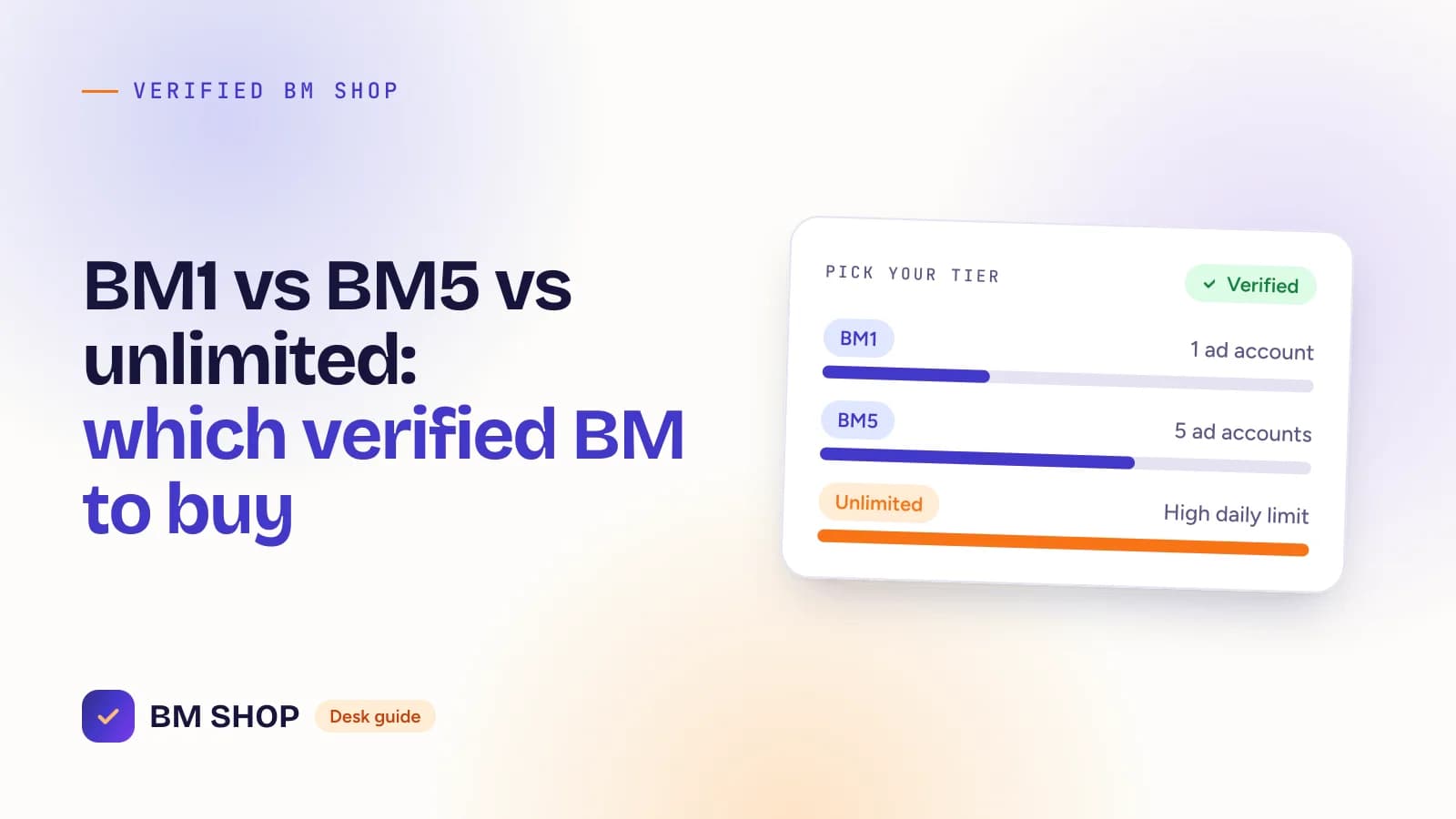
| Tier | What you usually get | Best for | Watch out for |
|---|---|---|---|
| BM1 | A verified BM with one ad account slot (or one ad account included) | One brand, a first test, a backup BM | Outgrowing it fast if you run several offers |
| BM5 | A verified BM that can hold up to five ad accounts | Small agencies, multi-brand stores, split testing across accounts | Sellers calling a BM "BM5" before the slots are actually unlocked |
| BM50 / BM250 | Ad accounts with a $50 or $250 daily spend limit; describes spend, not slots | Testing and steady mid-size budgets | Confusing BM250 (spend) with BM5 (slots) |
| Unlimited / high limit | Ad accounts with a high or uncapped daily spending limit, or a high ad account ceiling | Teams scaling budgets quickly, high-volume e-commerce | Vague definitions: ask for the exact daily limit shown in Billing |
Because the labels are informal, always ask for the real numbers: how many ad accounts the BM can create today, and the daily spending limit shown on each ad account. Every listing in our verified BM category states both.
How to choose the right tier
Count the ad accounts you actually need
One brand with one offer rarely needs more than one ad account. Several brands, clients or offers that you want to keep separate for billing and reporting need several. That is the real difference between BM1 and BM5.
Match the spend limit to your first month
If your plan is to spend modestly and scale over weeks, a standard limit grows with paid invoices anyway. If you need high daily budgets from week one, a high-limit or unlimited account saves you waiting for Meta to raise the ceiling.
Think about redundancy
Many buyers keep a second, smaller BM in reserve so a restriction on one account does not stop every campaign. Two BM1s can be more resilient than one BM5 for a single brand.
What to check at hand-over
- Verification status, live. Open Security Center together during hand-over. A screenshot proves nothing.
- Ad account slots and limits. Confirm in Business Settings and Billing that the slot count and daily limit match the listing.
- Account Quality. No open restrictions or rejected appeals on the BM or its ad accounts.
- Ownership. You are added as full admin, other admins are removed, and the recovery email and two-factor authentication are yours.
- Swap terms. The cover window and what counts as a valid claim, in writing. Ours are on the swap guarantee page.
Red flags when choosing a verified BM shop
- Verification "proof" only as images, or refusal to show Security Center live.
- Prices far below the market for "unlimited" tiers with no stated daily limit.
- No written replacement terms, or terms that only appear after you have paid.
- The seller wants to stay on as an admin "for support".
- No way to reach a person before you pay.
A good verified BM shop does the opposite: it states the tier, limits and region on the listing, lets you ask questions on WhatsApp or Telegram before you pay, and explains exactly what happens if something goes wrong.
Your first 48 hours with a new verified BM
- Log in from one consistent device and connection, and switch on two-factor authentication.
- Add your payment method and start with a small, compliant campaign.
- Raise budgets in steps rather than jumps, and keep creatives within the Meta Advertising Standards.
- Keep the business details on the BM as they are; changing the verified business information can trigger a new review.
The full checklist is in our ad account warm-up guide.
Frequently asked questions
Is BM5 always better than BM1?
Only if you need more than one ad account. For a single brand, a BM1 plus a spare is often the safer setup.
What does "unlimited" really mean?
It usually means the ad accounts have no practical daily spending cap, or a very high one. Ask for the exact limit shown in Billing before you buy.
Can I verify my own BM instead of buying one?
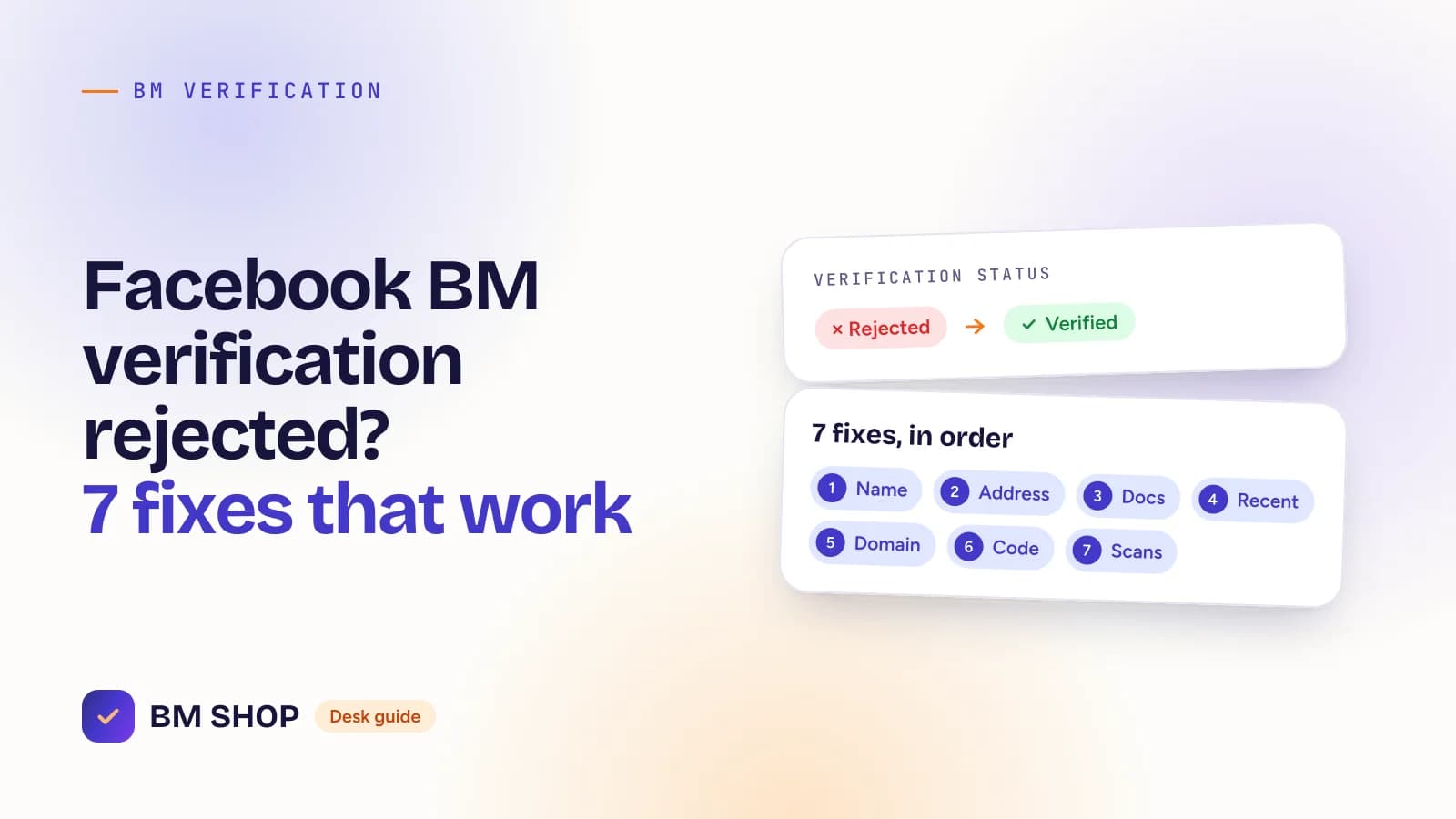
Yes, if you have a registered business and time to wait for Meta's review. Our Facebook Business Manager Verified Service prepares and submits it inside your own account, and these fixes cover the most common rejections. Meta's own reference is the Meta Business Help Center.
How fast is delivery?
Most orders are handed over the same day once payment is confirmed. Message us with the tier you need and we will confirm what is in stock.
Notes from the sourcing desk that checks and hands over every asset in the catalog, and sets up BM verifications, WhatsApp API numbers and ad accounts for clients every week.