On this page
- What "verified" actually means
- What changes after verification
- More room for ad accounts and spend
- WhatsApp Business API access that scales
- App review and advanced permissions
- A clearer trust signal
- What verification doesn't change
- Verified vs unverified at a glance
- Verify your own, or get one that's already verified?
- How to get your own BM verified
- Signs it's time to verify your BM
- How verification shows up in day-to-day work
- Mistakes to avoid after you're verified
- What it costs to wait
- FAQ
- Is a verified BM safer from bans?
- Does verification cost money?
- Can I verify more than one Business Manager for the same company?
- Next step
A verified Business Manager is one that Meta has confirmed belongs to a real, registered business. Verification typically gives you more room to create ad accounts and scale spend, unlocks higher WhatsApp Business API messaging tiers and display names, and is required for advanced permissions in Meta app review. An unverified BM still works for small-scale advertising, but it hits limits sooner. Here's exactly what changes, what doesn't, and when it makes sense to verify your own versus get a verified BM ready to go.
TL;DR
- Verification is a trust signal to Meta, not a magic shield against bans.
- It matters most if you scale ad spend, use WhatsApp API or build on Meta's APIs.
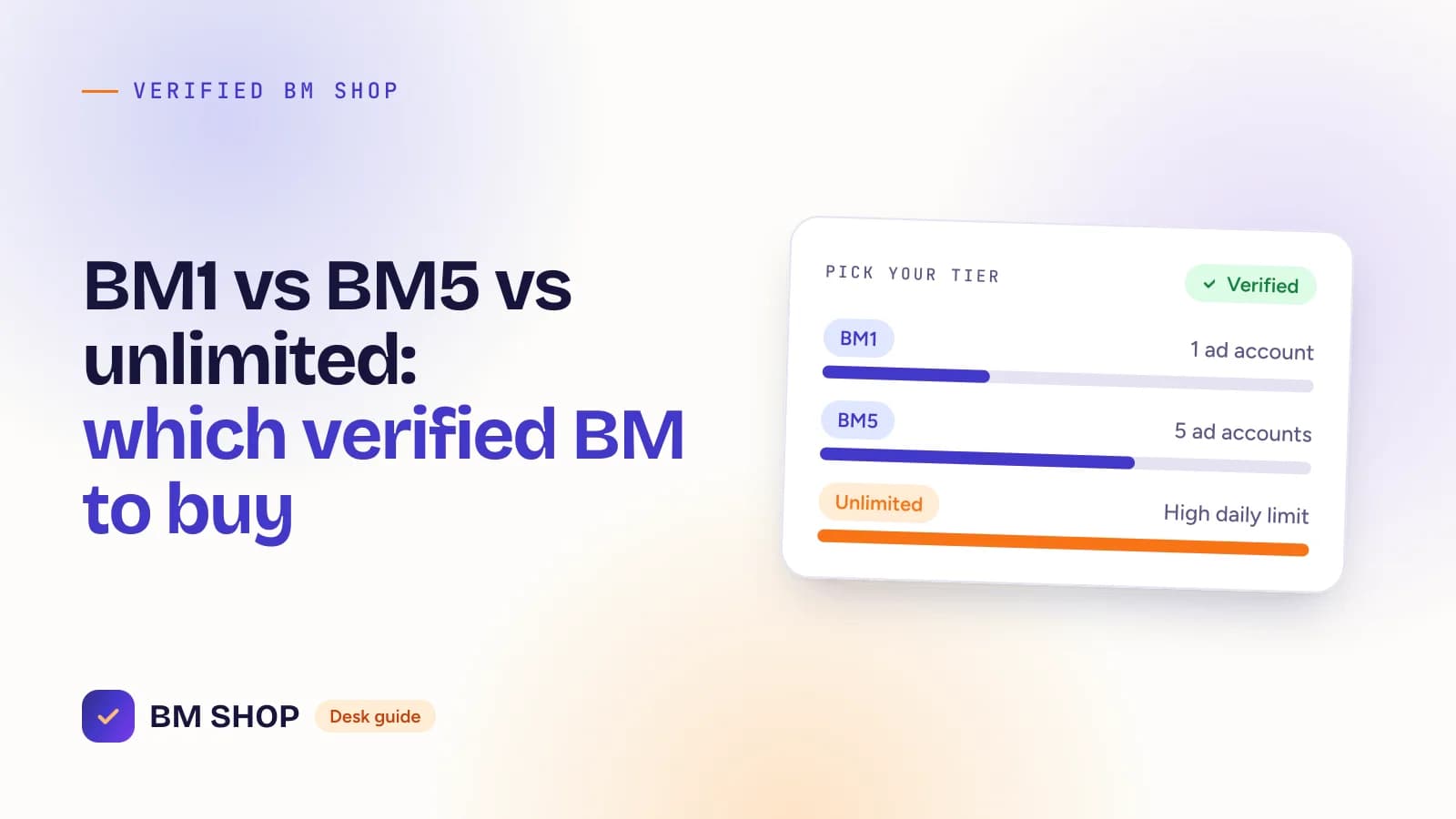
- Verifying your own BM is the long-term move; buying a verified BM is the fast one.
- Plenty of teams do both: verify the main BM, keep a verified spare for urgent launches.
What "verified" actually means
Business verification is a check Meta runs on your Business Manager (now part of Meta Business Suite). You submit your legal business name, address, phone and website, back them up with official documents, and confirm you can be reached. If everything matches, Security Center shows your business as verified. That's it: it's a statement about who owns the account, not about how you advertise.
What changes after verification
More room for ad accounts and spend
Unverified businesses tend to run into limits earlier: on how many ad accounts they can create and how quickly spend can grow. Verification is usually the first step to lifting those limits, alongside good payment history and account health.
WhatsApp Business API access that scales
If WhatsApp is in your plans, verification matters a lot. Meta ties higher business-initiated messaging tiers and smoother display name approval to a verified business. Read more in our guide to getting WhatsApp API approved faster.
App review and advanced permissions
Building an app on Meta's platform? Advanced access in app review requires a verified business.
A clearer trust signal
Verification tells Meta's systems that a real company stands behind the account. It doesn't guarantee anything, but it removes one big unknown.
What verification doesn't change
- Policy still applies. Ads that break the Meta Advertising Standards get rejected and accounts can still be restricted.
- Performance isn't automatic. Weak tracking, tired creative or a bad offer still underperform.
- Limits don't jump overnight. Spend history, payment reliability and account health still decide how fast you can scale.
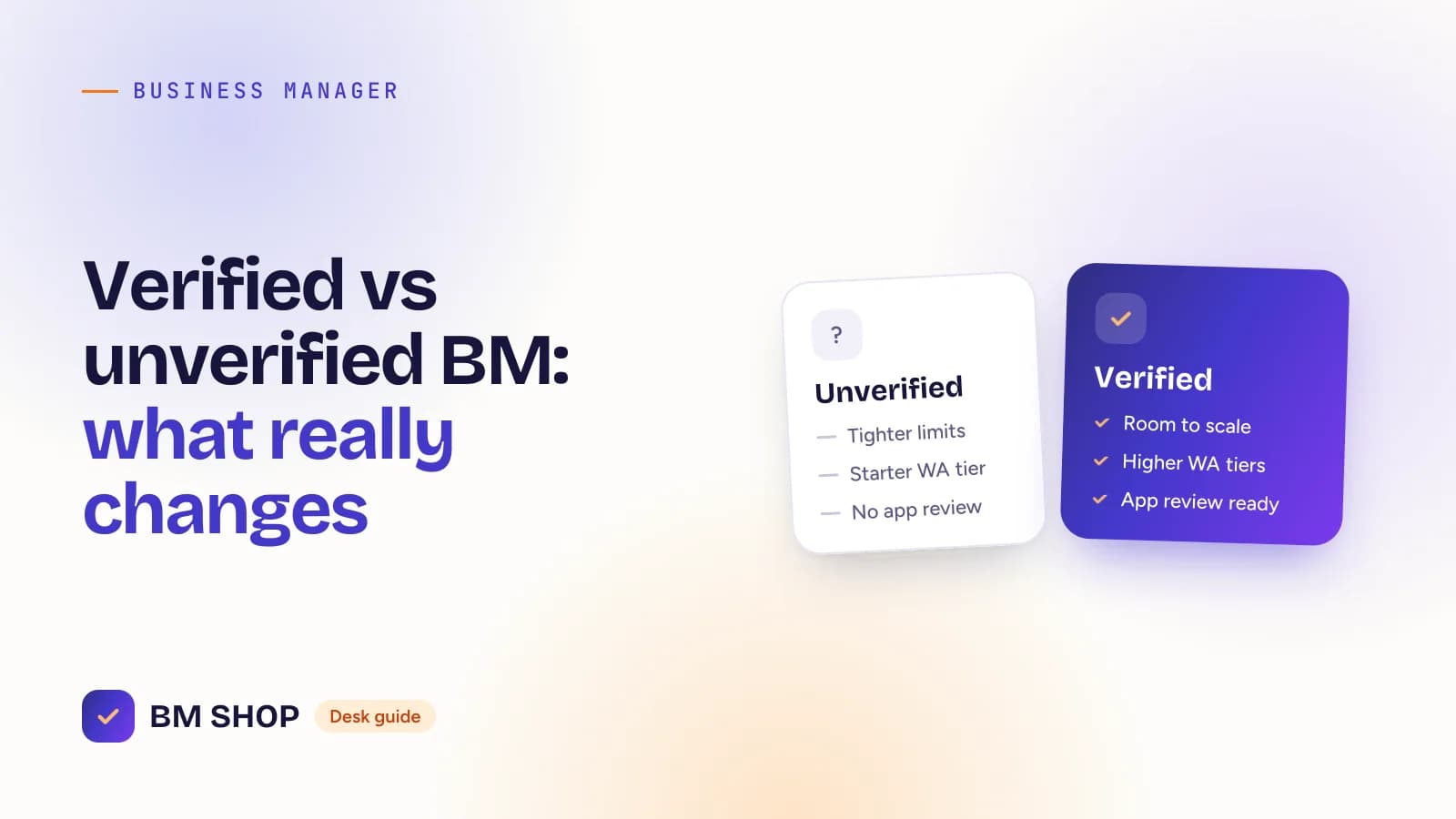
Verified vs unverified at a glance
| Unverified BM | Verified BM | |
|---|---|---|
| Running ads | Yes, with tighter limits | Yes, with more room to scale |
| Ad accounts | Fewer allowed | More, as account health allows |
| WhatsApp API messaging tiers | Starter tier | Eligible to move up tiers |
| Display name approval | Harder | Smoother |
| Meta app review (advanced access) | Not available | Available |
Verify your own, or get one that's already verified?
| Verify your own BM | Get a verified BM | |
|---|---|---|
| Time to ready | Prep plus Meta review (often 2–14 days) | Same-day hand-over |
| What you need | Business documents and a website on your domain | A quick chat with the desk |
| Best for | Your long-term brand setup | Urgent launches and extra capacity |
| Ownership | Yours from day one | Transferred to you at hand-over |
From the desk: the teams that scale smoothly usually do both. They verify their main BM properly, and keep a verified BM from stock ready so a launch never waits on a review queue.
How to get your own BM verified
- Copy your legal name and address from your documents into Business Info, exactly.
- Pick documents issued to the business: a registration certificate plus a recent bill or bank statement.
- Verify your domain under Brand Safety.
- Start verification in Security Center and confirm the code Meta sends.
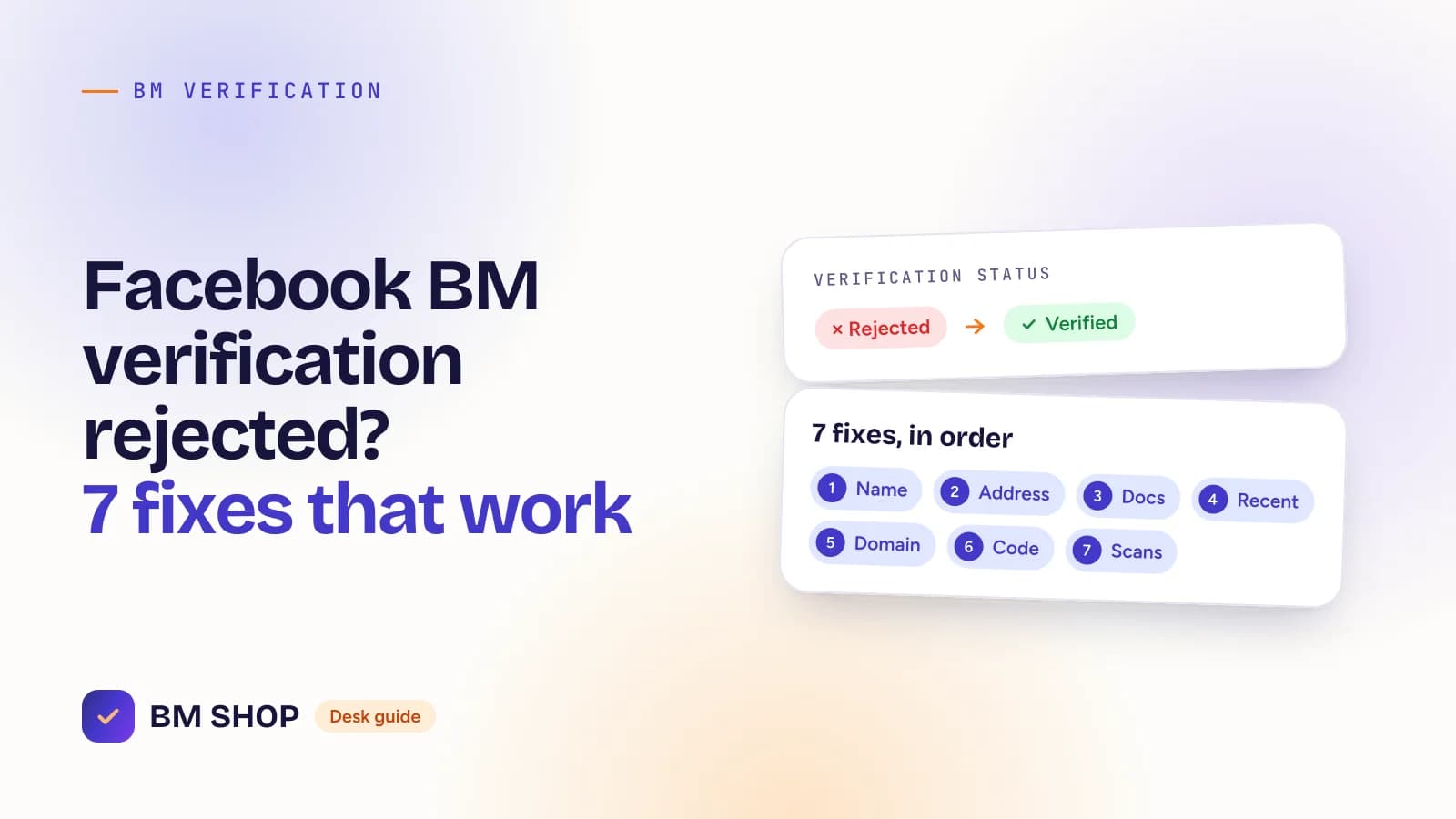
Rejected already? Our 7 fixes for rejected verification walk through the usual causes.
Signs it's time to verify your BM
- You've hit a cap on new ad accounts, or spend won't scale past a ceiling.
- You want to launch on the WhatsApp Business API, or your display name was rejected.
- You're building an app that needs advanced permissions through Meta app review.
- You're onboarding an agency or new team members and want a clean, trusted setup.
- You're planning a big launch and don't want account limits to be the bottleneck.
How verification shows up in day-to-day work
Day to day, a verified BM mostly feels like fewer walls. Creating an extra ad account for a new product line or market is less likely to hit a hard stop. WhatsApp setup moves faster because display names match a confirmed business. And when you need to bring in partners, a verified business gives everyone a clear owner of record.
What it won't do is replace good habits. Accounts still need a stable payment method, consistent admins, policy-safe ads and a sensible ramp when spend increases. Think of verification as a strong foundation, not a shortcut.
Mistakes to avoid after you're verified
- Editing Business Info casually. Changing the legal name or address after verification can trigger a new review. Only change it when the business itself changes.
- Adding lots of unknown admins. Keep admin access tight. Use partner access for agencies instead of adding personal profiles as admins.
- Letting the domain lapse. If your domain expires or the verification record is removed, you lose a trust signal and some features.
- Scaling spend overnight. Verified or not, sudden jumps in spend can trigger reviews. Increase budgets in steps.
- Ignoring policy. A verified business can still have ads rejected and accounts restricted for policy breaches.
What it costs to wait
The real cost of not verifying usually isn't a fee; it's time. A launch that has to wait for a Meta review, a WhatsApp rollout stuck on a rejected name, or a scaling plan capped by account limits. If you know you'll need verification, start it before you need it, and keep a verified BM on hand if a launch date is fixed.
FAQ
Is a verified BM safer from bans?
Not on its own. Verification helps with trust and limits, but policy breaches still lead to restrictions.
Does verification cost money?
No, Meta doesn't charge for it. You only pay if you get help preparing it.
Can I verify more than one Business Manager for the same company?
Meta generally expects one business identity per company, so consolidate where you can and check the Meta Business Help Center for current rules.
Next step
Want it handled? Our BM verification service does the whole thing inside your own account, starting with a free check. Need to launch now? Shop verified BMs or ask the desk.
Notes from the sourcing desk that checks and hands over every asset in the catalog, and sets up BM verifications, WhatsApp API numbers and ad accounts for clients every week.